PAR-Q, waivers and e-signature for personal trainers
Health screen, waiver and terms, signed before you train.
Consent & Waivers gives your business three documents every client signs on their phone: a Health screen (PAR-Q) in Trainaq’s own words, a liability waiver with informed consent, and your terms and rules. Each starts from a Trainaq sample you can use as it is or edit, and each signed copy is saved as a PDF.
- Switch it on in Settings → Consent & waivers
- Clients sign in the free Trainaq app, on a web link or as they join from your link
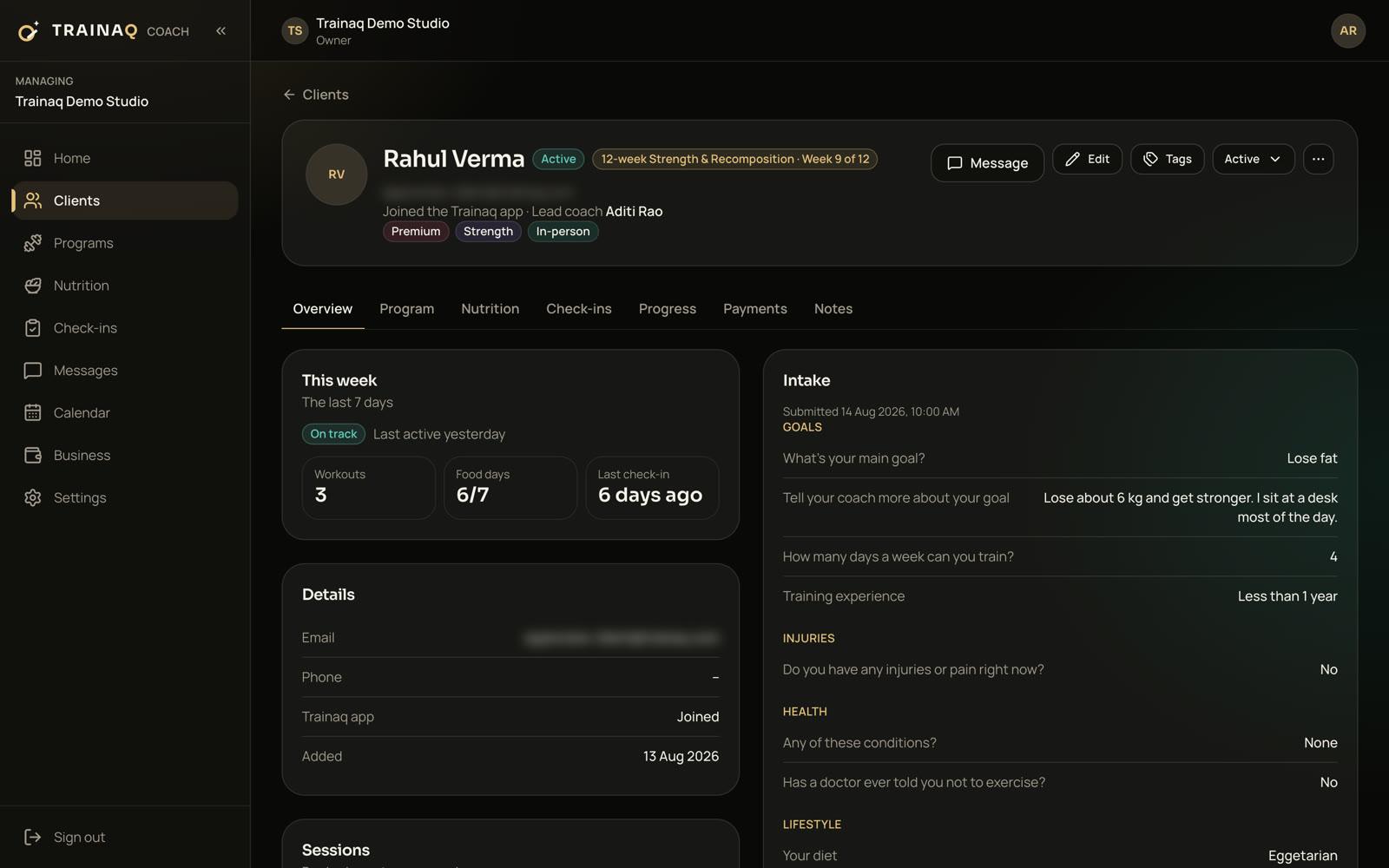
- Signed PDFs on each client’s profile
Updated 15 Nov 2026
What is Consent & Waivers in Trainaq?
It is where your business collects three signed documents from every client: a Health screen (PAR-Q), a liability waiver with informed consent, and your terms and rules. Clients type their name and draw a signature on their phone, a PDF is saved on their profile, and any yes on the Health screen (PAR-Q) flags medical clearance.
- Consent & Waivers comes on every paid plan. Every paid plan starts with a 7-day free trial, and no card is needed.
- Off until you switch it on in Settings
- Three documents, each from a Trainaq sample you can edit
- Signed PDFs you and the client can download
Why it matters
Why do paper waivers and PAR-Q forms go wrong?
Because paper gets lost and PDFs sent over chat never come back signed. The health form is filled in once and forgotten, the waiver lives in a drawer, and nobody knows which client agreed to which version of your rules. One place for every signature, with a flag for medical clearance, fixes that.
Forms that never come back
You send a PDF on WhatsApp, the client means to print it, and the first session starts without a signature.
Health answers nobody acts on
A client ticks yes to chest pain on a paper form, and the form sits in a folder while you plan their first heavy week.
Rules that changed since they signed
You update your cancellation rules, but half your clients agreed to last year’s version and you can’t tell which half.
How it works
How does Consent & Waivers work?
Switch it on in Settings, then use Trainaq’s three samples as they are or edit them. Each client signs the Health screen (PAR-Q), the waiver and your terms on their phone, typing their name and drawing a signature. The signed PDF lands on their profile for both of you.
Switch it on and set up three documents
Open Settings → Consent & waivers on the web dashboard, or More → Consent & waivers in Trainaq Coach. It stays off until you switch it on. Your three documents are ready from Trainaq’s samples: the Health screen (PAR-Q), the liability waiver and informed consent, and your business terms and rules.
- Use a sample as it is, or edit the words to fit how you work
- The same three documents for every client of the business
- The owner sets it up, and anyone else only if you allow
Clients sign as they join
New clients sign while they join from your link, and clients you already coach sign in the free Trainaq app or from the link in their reminder email. They read each document, type their full name and draw their signature with a finger.
- A PDF of each signed document is saved on the client’s profile
- You and the client can both download it
- Optional: they sign before they can see their plan
A yes on the Health screen (PAR-Q) flags medical clearance
Any yes on the Health screen (PAR-Q) marks the client “Medical clearance needed” and notifies their coach. When the client brings a doctor’s clearance, you mark clearance received.
- Their coach gets a notification straight away
- Mark clearance received once it arrives
- Keep the doctor’s letter in the client’s documents
Change a document, clients sign again
When you edit a document, clients are asked to sign the new version, so their signature matches the words you use now. Switch on a yearly renewal and the health screen comes back every year.
- Signatures that match the current wording
- Optional yearly health-screen renewal
- Nothing to chase by hand on WhatsApp
Everything in it
What does Consent & Waivers include?
Three documents from Trainaq samples, signing by typed name and drawn signature, a PDF of each signed document on the client’s profile, a medical clearance flag from the Health screen (PAR-Q), and three options: sign before seeing the plan, sign again after a change, and renew the health screen every year.
Health screen (PAR-Q)
Yes or no health questions before training starts, in Trainaq’s own words, from a sample you can edit.
Liability waiver and informed consent
The risks of training and the client’s agreement, in your own words or the sample’s.
Business terms and rules
Payments, cancellations, late arrivals and conduct: whatever your business asks of clients.
Typed name and drawn signature
Clients type their full name and sign with a finger on their phone.
A PDF of every signature
Saved on the client’s profile, ready for you or the client to download.
Medical clearance flag
Any yes on the Health screen (PAR-Q) flags the client and notifies their coach.
Clearance received
Mark it when the doctor’s letter arrives, so the whole team knows.
Sign before the plan
Optional: the client’s plan stays out of view until they have signed.
Sign again after a change
Edit a document and clients sign the version you use now.
Yearly Health screen (PAR-Q)
Optional: the Health screen (PAR-Q) comes back for clients every year.
A parent signs for under-18s
A parent or guardian types their name and relationship and signs; the PDF shows both people.
Not yet: more than three documents, custom forms of your own, or the official PAR-Q or PAR-Q+ text: the Health screen (PAR-Q) uses Trainaq’s own wording.
Who it’s for
Who is Consent & Waivers for?
Personal trainers who want a signed Health screen (PAR-Q) before the first session, online coaches whose clients sign from anywhere, studios that need the same waiver and rules from every member, and nutritionists who want medical flags in view. Every client signs on their phone, and the PDFs stay on their profile.
Signed before session one
The Health screen (PAR-Q) and waiver are signed before the client walks in, so you start the first session knowing who needs a doctor’s clearance and with their agreement on file.
Trainaq for personal trainers →- Medical clearance flagged from the Health screen (PAR-Q)
- Your waiver signed, not just read
- PDFs to hand if you ever need them
Signatures from anywhere
Clients you may never meet sign on their phone as they join from your link. No printing, no scanning, and no PDF lost in a chat thread.
Trainaq for online coaches →- Signing during join-link onboarding
- Plans held back until they sign, if you choose
- The same documents for every client
One waiver, every member
Every member signs the same waiver and house rules whichever trainer signs them up, and when your rules change, members sign the new version.
Trainaq for PT studios →- Your terms and rules signed by every member
- Signing again after a change
- Yearly health-screen renewal
Health flags in view
A yes on the Health screen (PAR-Q) shows before you set targets, so conditions that need a doctor’s word come up before the first meal plan, not after it.
Trainaq for nutritionists →- Medical clearance needed, flagged
- The doctor’s letter kept with the client
- Clearance marked received when it arrives
Good to know
Is a waiver signed in Trainaq legally binding?
Trainaq keeps a PDF of each signed document, with the client’s typed name and drawn signature. Whether a waiver protects you depends on its wording and the law where you work, so have a lawyer review your documents before you switch them on. Trainaq’s samples are a starting point, not legal advice.
- The samples are written to be edited for your business
- The Health screen (PAR-Q) does not replace a doctor’s advice
- A yes flags the client for medical clearance; you decide what happens next
FAQ
Consent & waivers FAQ
What is a PAR-Q, and does Trainaq include one?
A PAR-Q (Physical Activity Readiness Questionnaire) is a short set of yes or no health questions asked before exercise starts. Trainaq’s Health screen (PAR-Q) asks PAR-Q style questions in Trainaq’s own words, from a sample you can edit. It is not the official PAR-Q or PAR-Q+ form, and a yes flags the client for medical clearance.
Can I use my own waiver and terms?
Yes. Each of the three documents starts from a Trainaq sample, and you can replace or edit the words to match your own waiver, terms and rules, or use the sample as it is. You can’t add more documents beyond the three: the Health screen (PAR-Q), the liability waiver and informed consent, and your business terms.
How do clients sign?
In the free Trainaq app, from the link in their reminder email, or while they join from your link. They read each document, type their full name and draw their signature with a finger. A PDF of the signed document is saved on their profile, and both you and the client can download it.
Can a parent sign for a client under 18?
Yes. When the client is under 18, a parent or guardian signs for them: they type their own name and their relationship to the client, then draw their signature. The signed PDF shows both the client and the parent or guardian, and it is saved on the client’s profile like any other signed document.
Do clients have to sign before they start?
Only if you choose. Switch on “require signing before the client sees their plan” and their plan stays out of view until they have signed. Leave it off and clients can sign at any time, from the link in their reminder email or as they join from your link.
What happens when a client answers yes on the Health screen (PAR-Q)?
The client is flagged “Medical clearance needed” and their coach is notified. Ask for a doctor’s clearance, keep it in the client’s documents, and mark clearance received. Trainaq doesn’t decide whether someone can train: the flag makes sure the answer is seen.
What happens when I change a document?
Clients are asked to sign the new version, so the signature on file always matches the words you use now. For the Health screen (PAR-Q) you can also switch on a yearly renewal, so a client’s answers are never more than a year old.
Which plans include Consent & Waivers?
Consent & Waivers comes on every paid plan, together with client documents and the free Trainaq app for your clients. It isn’t on the Free plan, so a business on Free can use it after moving to a paid plan. Every paid plan starts with a 7-day free trial, and no card is needed.