Client intake form for personal trainers
Know your client before you write the first plan.
Trainaq’s client intake form for personal trainers collects goals, injuries, health questions, measurements and photos as clients join. You edit one form for your business, and every new client fills it in the free Trainaq app.
- Form builder in Trainaq Coach · iPhone and Android
- Answers in the coach app and on the web dashboard
- Clients fill it in the free Trainaq app
What is Trainaq’s client intake form?
It is the form every new client fills in when they join your business in the Trainaq app. It asks about goals, injuries, health, lifestyle, measurements and photos. You edit the questions once for the whole business, and the answers sit on each client’s profile, with their measurements as the starting point of their progress.
- Intake forms come with Trainaq Coach, on every plan. Every plan starts with a 7-day free trial, and no card is needed.
- Nine question types, from short text to front, side and back photos
- Measurements in metric or imperial units
- Clients can save their answers and finish later
Why an intake form
Why does onboarding over chat go wrong?
Because the important answers get scattered. Goals arrive in a voice note, an old knee injury comes up in week three, and nobody wrote down the starting weight. A form every client fills in before you plan anything puts goals, health flags, measurements and photos in one place, on their profile.
Injuries surface late
You learn about the bad shoulder after you’ve programmed overhead pressing.
No starting point
Without a first weight, waist and photos, progress is a guess three months in.
The same questions, every time
Typing the same twenty questions into every new chat takes time you don’t have.
How it works
How do intake forms work in Trainaq?
Edit your business’s form once in Trainaq Coach. When you invite a client, the link opens the free Trainaq app; they create an account, join your business and the form opens. They answer it section by section, and you read the answers on their profile. Send a fresh one any time with “Send intake again”.
Edit the form once
Open the intake form from the Clients tab or More in Trainaq Coach. Questions sit in seven sections: Goals, Injuries, Health, Lifestyle, Measurements, Photos and Other. Add, edit, move or delete questions, preview what the client sees, or reset to Trainaq’s default.
- Up to 80 questions, each required or optional, with help text
- Owners and coaches can edit it
- Forms already sent keep the questions they went out with
Pick the question types
Short and long text, single and multiple choice, number with a unit and range, yes or no, date, body measurement and photo. Choices take from 2 to 20 options.
- Measurements: weight, height, body fat, waist, hip, chest, arm, thigh and neck
- Photos: front, side and back
- Units follow the country: kg and cm, or lb and in
Clients fill it in as they join
Send the invite link on WhatsApp or any other app. The client opens it, creates an account in the Trainaq app and the intake opens, one section per step with a progress bar.
- “Save and finish later” keeps their answers
- Required questions must be answered before they submit
- Photos are private to the client and their coaches
Read the answers on their profile
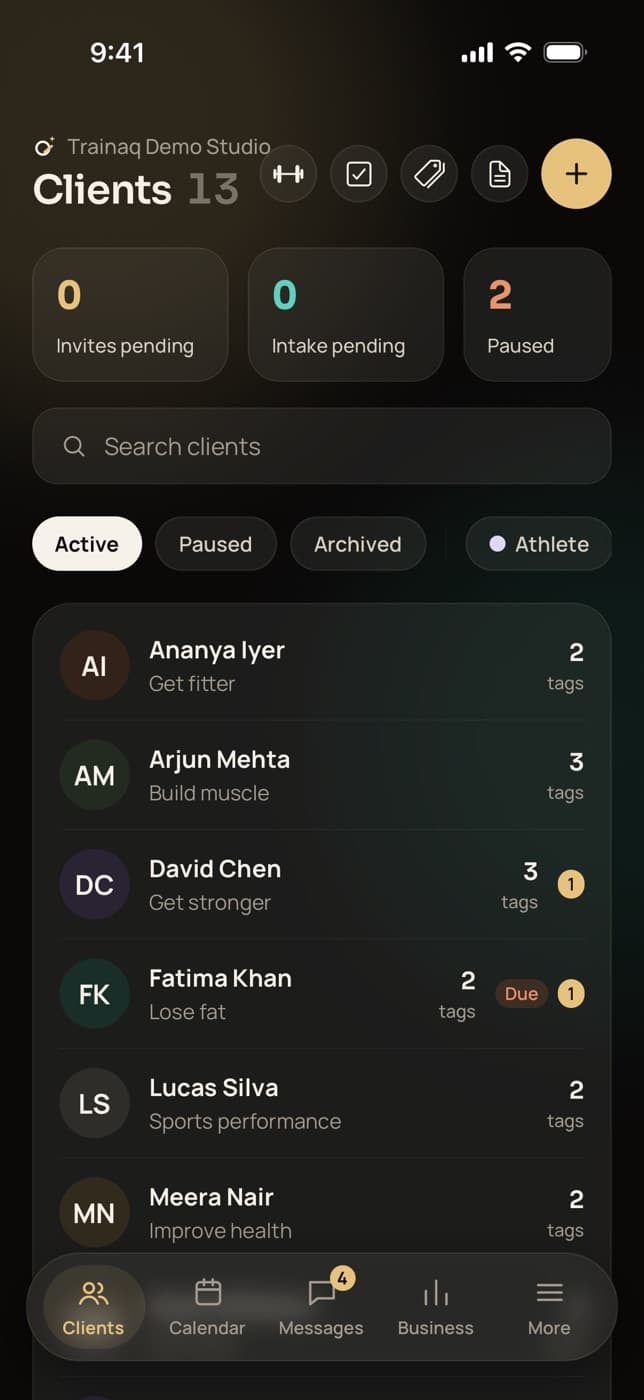
Answers show by section on the client’s profile in Trainaq Coach and on the web dashboard. The client list counts intakes still pending and shows each client’s main goal once they submit.
- Measurements become the first entry of their progress
- Intake photos join their progress photos
- “Send intake again” for a fresh form; earlier ones stay on record
Everything in the form
What can a Trainaq intake form ask?
Anything you need before you plan, in seven sections and nine question types: text, choices, numbers, yes or no, dates, body measurements and front, side and back photos. Each question can be required or optional with help text. Clients can save and come back, and you see what is still pending.
Seven sections
Goals, Injuries, Health, Lifestyle, Measurements, Photos and Other.
Nine question types
Short and long text, single and multiple choice, number, yes or no, date, measurement, photo.
Body measurements
Weight, height, body fat and six circumferences, each once per form.
Front, side and back photos
Taken or chosen in the app and kept private to the client and their coaches.
Required or optional
With help text under any question to explain what you mean.
Metric or imperial
kg and cm or lb and in; values are stored metric either way.
Preview
See the form as the client will before you save it.
Reset to the default
Go back to Trainaq’s default form in one step.
Save and finish later
Clients keep their answers and pick up where they left off.
Pending at a glance
The client list counts intakes still to come in.
Send intake again
A fresh copy of the current form, for a returning client or a new block.
Not yet: more than one form per business, a different form per client or program, signatures or waivers, or editing the form on the web dashboard. Edit it in Trainaq Coach; the web shows the answers.
Who uses it
How do different coaches use the intake form?
Online coaches onboard clients they may never meet. Personal trainers get the health picture before the first session. Nutritionists collect diet type, allergies and conditions, and studios give every trainer the same answers for every member. Each client fills the form once in the free Trainaq app, and the answers stay on their profile.
Onboarding without the calls
The client joins from your invite link, fills in the form in the app and sends photos and measurements. You read it all before you write their first program.
Trainaq for online coaches →- Goals and training days a week up front
- Starting weight, waist and photos
- Answers on the web dashboard too
The health picture before session one
Injuries, conditions, medicines and whether a doctor has advised against exercise, answered before the client walks in, so the first session starts with what matters.
Trainaq Coach, the app →- Yes or no questions for health flags
- Long answers for injury details
- Measurements recorded at the start
Diet, allergies and conditions
Ask for diet type, foods they avoid, conditions such as diabetes, thyroid or PCOS, and medicines, then set targets and build the meal plan around the answers.
Nutrition coaching →- Vegetarian, eggetarian, vegan or Jain
- Allergies and foods they avoid
- Sleep and daily activity
One form for every trainer
The form belongs to the business, so every coach sees the same answers for the clients they lead, and new members answer the same questions whoever signs them up.
Trainaq for gyms →- Owners and coaches can edit it
- Pending intakes counted on the client list
- A fresh form for returning members
The default form
What does Trainaq’s default intake form ask?
It starts with the main goal, training days a week and experience, then injuries or pain, health conditions such as diabetes, thyroid or PCOS, medicines and supplements, pregnancy, and whether a doctor has advised against exercise. It ends with diet type, allergies, sleep, daily activity, date of birth, measurements and three photos.
- Goals: main goal, more about it, days a week, experience
- Injuries and Health: pain now, conditions, medicines, pregnancy, a doctor’s advice
- Lifestyle: diet type, foods avoided, sleep, daily activity
- Measurements and Photos: date of birth, sex, height, weight, waist, body fat, front, side and back
Coaching in India
Questions Indian clients expect
- Diet typesVegetarian, eggetarian, non-vegetarian, vegan and Jain.
- Common conditionsDiabetes, thyroid, PCOS/PCOD and high blood pressure.
- Invites on WhatsAppThe invite link goes to the client’s WhatsApp in one tap.
- Metric by defaultkg and cm in India, with lb and in where clients use them.
FAQ
Intake forms FAQ
What should a personal training intake form ask?
Goals and how many days a week the client can train, injuries and pain, health conditions and medicines, lifestyle such as diet, sleep and daily activity, starting measurements and photos. Trainaq’s default form covers all of these, and you can add, remove or reword any question to fit how you coach.
Can I add PAR-Q style health questions?
Yes. Coaches often ask PAR-Q style health screening questions before training starts, and the default form already asks whether a doctor has advised against exercise. Add your own as yes or no questions in the Health section. Trainaq doesn’t supply the official PAR-Q+, and the answers don’t replace medical advice.
Can each client get a different intake form?
No. Each business has one intake form, and every new client gets a copy of it. For questions that differ by client, use the weekly check-in, which can have its own form per client. A form already sent keeps its questions, so editing the intake never changes answers you have.
Can I edit the intake form on the web dashboard?
Not yet. The form builder is in Trainaq Coach on iPhone and Android, for owners and coaches. The web dashboard shows each client’s intake answers on their overview, or how far a pending one has got, and can send the intake again from the client’s actions.
What if a client doesn’t finish the form?
Their answers so far are saved with “Save and finish later”, and the form opens again when they come back to the app. The client list in Trainaq Coach counts intakes still pending, and on the web you can see how far a client has got before you message them.
Are intake photos private?
Yes. Photos go to a private store, never a public link, and only the client and the coaches who manage them can see them. The app drops location data from each photo before upload. Intake photos join the client’s progress photos, so they become the first in their timeline.
Which plans include intake forms?
The intake form builder, client profiles and invites come with Trainaq Coach, on every plan, together with the free client app. Plans differ by how many active clients you coach and how many coach accounts you need. Every plan starts with a 7-day free trial, and no card is needed.