Gym billing software with GST invoices
A GST invoice for every payment. Numbered, split by state, ready as a PDF.
Trainaq’s gym billing software issues a GST invoice or a receipt for every client payment, online or at the desk. It splits CGST and SGST or charges IGST by the client’s state, numbers invoices per financial year with your prefix, and issues credit notes on refunds.
- Trainaq Coach · iPhone and Android
- Web dashboard · Business
- Clients keep their invoices in the free Trainaq app
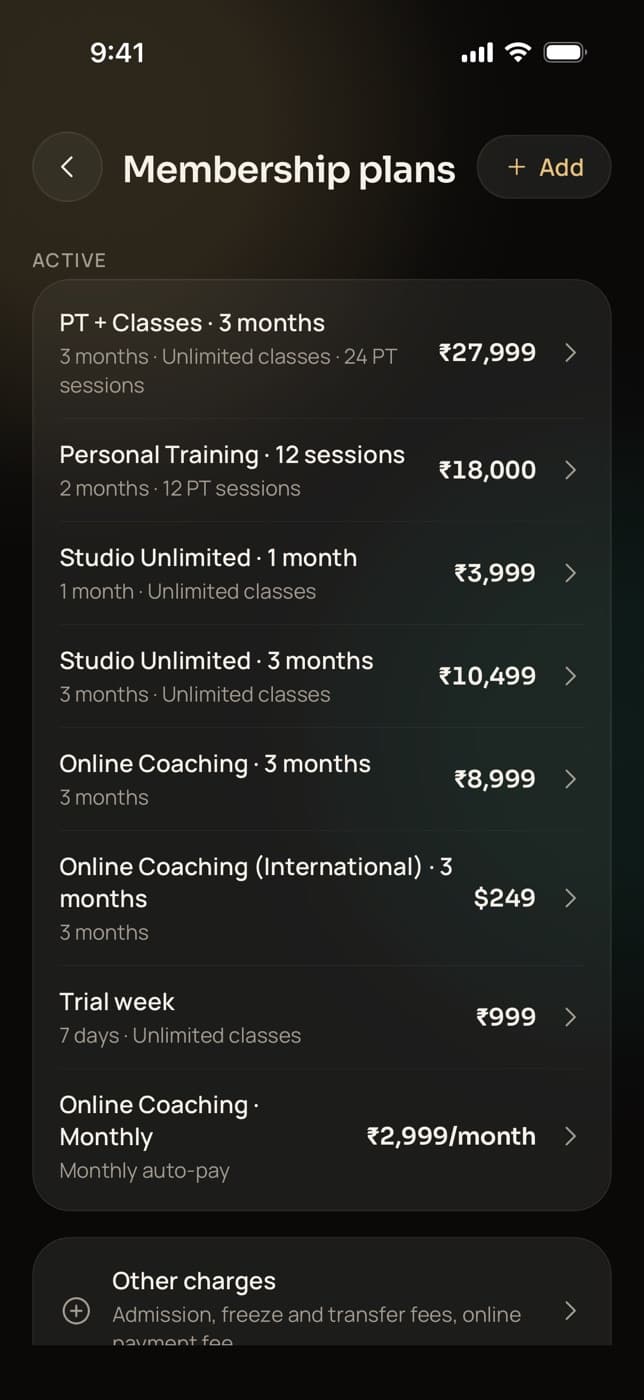
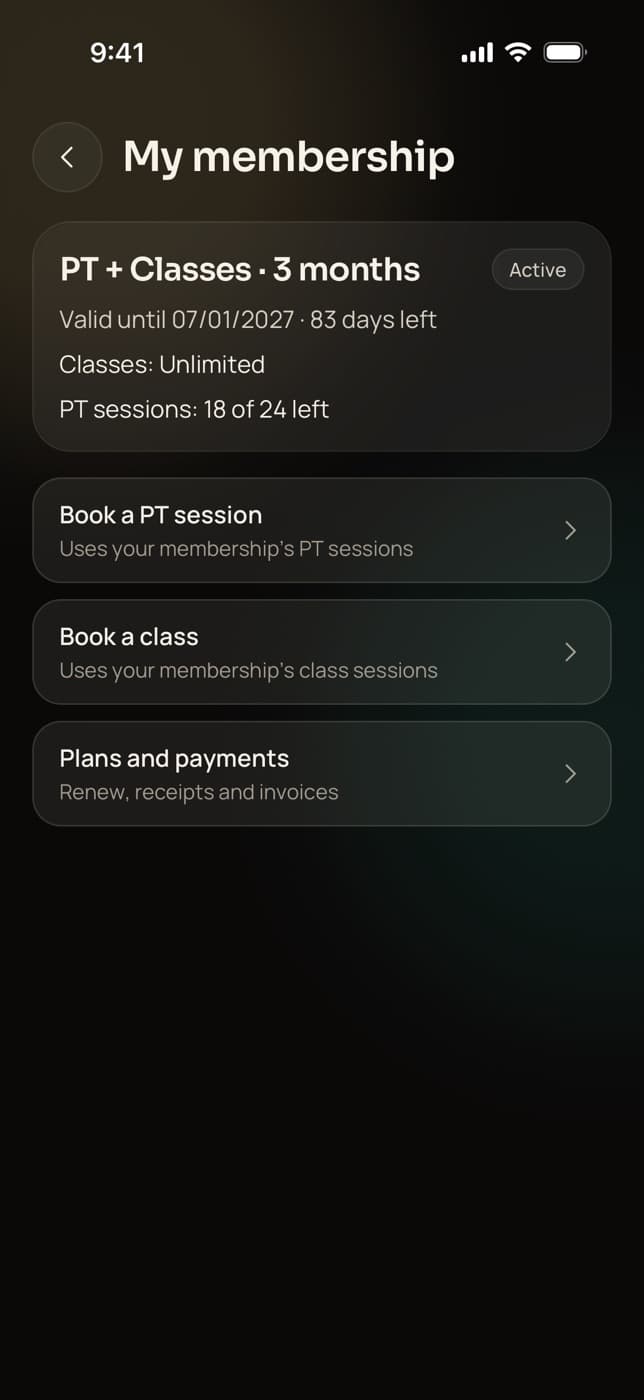
What are Trainaq’s GST invoices?
Trainaq issues one invoice or receipt for every client payment, online or at the desk. When you turn GST on and add your GSTIN, it applies the GST rate you set and splits CGST and SGST or charges IGST by the client’s state. Without GST registration, clients get a plain receipt. Every refund issues a credit note.
- GST invoices are on every plan. Every plan starts with a 7-day free trial, and no card is needed.
- Gapless numbering per financial year, like INV/26-27/0001
- Credit notes on refunds, emailed to the client
- Clients keep every invoice as a PDF in the Trainaq app
Why gyms switch
Why do handwritten gym bills cause trouble at filing time?
Because a GST invoice has rules that a receipt book doesn’t follow. Numbers skip or repeat, the tax split depends on the client’s state, refunds need a credit note, and your accountant rebuilds the month from photos. When every payment issues its own numbered invoice with the right tax, the records match the money.
Gaps and repeats in numbering
Two receipt books, one torn page, and the series no longer adds up.
The wrong tax split
An online client in another state needs IGST. A receipt book can’t tell which client lives where.
Refunds without a paper trail
Money goes back to a client, and nothing in the books says why or how much.
How it works
How do GST invoices work in Trainaq?
As the owner, turn GST on and add your GSTIN, the rate you charge and an invoice prefix. From then on every payment, online or recorded at the desk, issues a numbered tax invoice with the right CGST and SGST or IGST. Clients open and share their invoices as PDFs, and refunds issue credit notes.
Set up GST once
In GST settings, switch GST on, add your GSTIN and enter the GST rate you charge. Your business name, address and invoice prefix come from your business profile.
- One GST setting for the whole business
- Rupee prices show “+ GST” to clients
- Only the owner can change GST settings
Each payment issues its invoice
When a client pays online, or you record a cash, UPI or card-machine payment, Trainaq issues the invoice for that payment. Numbers run without gaps through the financial year, with your prefix.
- INV/26-27/0001, then 0002, and so on
- Receipts and tax invoices share one sequence
- Each part of a part payment gets its own invoice
The tax follows the client’s state
Clients choose their state the first time they pay, or in their profile, and you can set it too. Same state as your GSTIN: CGST and SGST. Another state: IGST. The invoice shows the place of supply.
- No state yet: CGST and SGST, as within your state
- Clients abroad: GST as usual, or a zero-rated export under your LUT
- Not GST-registered: a plain receipt, no tax
Clients keep invoices; refunds get credit notes
Clients open every invoice and receipt in the Trainaq app and share it as a PDF. On the web dashboard you print or save any of them. A refund issues a credit note, emailed to the client.
- Credit notes have their own numbering
- A voided credit note keeps its number, marked void
- Trainaq’s own GST invoice for its fee arrives monthly
Everything in GST invoices
What does Trainaq’s gym billing software handle?
The parts of GST billing that are easy to get wrong by hand: a GST switch with your GSTIN and rate, the CGST and SGST or IGST split by place of supply, gapless numbering per financial year with your prefix, plain receipts when you aren’t registered, invoices for desk payments, PDFs in the client app and credit notes on refunds.
GST on or off
Off until you switch it on; a GSTIN is required when it is on.
The rate you set
Enter the GST rate you charge; every taxable payment uses it.
CGST + SGST or IGST
Worked out from your GSTIN’s state and the client’s.
Place of supply
Clients pick their state; you can set it for them.
Gapless numbering
One series per financial year, with no gaps or repeats.
Your prefix
INV by default, or your own letters, set in the business profile.
Plain receipts
Not GST-registered? Clients get a receipt with no tax.
Desk payments too
Cash, UPI and card-machine payments get an invoice or receipt.
PDFs in the client app
Clients open and share every invoice and receipt.
Credit notes
Issued on every refund, numbered and emailed to the client.
Clients abroad
GST as usual, or a zero-rated export under your LUT with its ARN.
Trainaq’s fee invoice
One GST invoice a month for the platform fee on online payments.
Not yet: Not yet: the SAC code, the amount in words and the client’s address on the invoice, invoice emails to clients (they open invoices in the app), a different GST rate per plan, and exports for filing GST returns.
Who uses it
How do different businesses use GST invoices in Trainaq?
GST-registered gyms and studios issue a tax invoice for every membership, at the desk or online. Personal trainers below the GST threshold give clients plain receipts. Online coaches with clients across India get IGST worked out for them, and PT studios keep refunds clean with credit notes. All use the same numbering and the same client app.
A tax invoice for every membership
Turn GST on with your GSTIN and the rate you charge. Every membership sold, renewed or paid in parts issues its own numbered invoice, whether the client paid online or in cash at the desk.
Trainaq for gyms →- Invoices for desk payments too
- One numbered series per financial year
- Print or save any invoice from the web
Receipts until you register
Not registered for GST yet? Leave GST off, and every payment gets a plain receipt with your business name. When you register, switch GST on and the next payment gets a tax invoice in the same series.
Trainaq Coach, the app →- A receipt for every payment
- The same numbering when you switch GST on
- Clients keep receipts in their app
Clients in other states and abroad
A client in Pune pays a Hyderabad coach: IGST. A client in Hyderabad: CGST and SGST. For clients abroad, charge GST as usual or bill them as a zero-rated export under your LUT, and Trainaq reminds you before the LUT runs out.
Trainaq for online coaches →- Place of supply on every invoice
- Clients set their own state
- LUT reminders 30 days before it ends
Refunds with credit notes
When a client leaves early and you refund part of a plan, a credit note is issued against the invoice and emailed to them. Refunds at the desk get one too, so the books show every rupee going out.
Trainaq for gyms →- Credit notes in their own numbered series
- Online and desk refunds both covered
- Disputes recorded on the payment
On the invoice
What does a Trainaq GST invoice show?
Each invoice shows your business name, address and GSTIN, the invoice number and date, who it is billed to, the place of supply, each item with its period, the taxable value, CGST and SGST or IGST, any round-off and the total. A receipt shows the same without the tax lines, and a credit note points back to its invoice.
- Billed to: the client’s name and email
- Line items such as the membership and other charges, with dates
- Clients abroad under LUT: the export line with your ARN
GST rate
Which GST rate does Trainaq charge on my services?
The one you set. Trainaq doesn’t choose a GST rate for your fitness or coaching services: you enter the rate you charge in GST settings, and every taxable invoice applies it. Ask your accountant which rate applies to you, and update the setting if it changes. New sales use the new rate; invoices already issued never change.
- One rate for the whole business
- Prices are set before GST and shown “+ GST”
- Trainaq’s own fee invoice comes from Mygymdesk Technologies Private Limited
GST in India
Built for Indian GST
- CGST, SGST and IGSTSplit by the client’s state, with the place of supply printed.
- Financial-year numberingA new gapless series each April, with your prefix.
- LUT exportsZero-rated invoices for clients abroad, with your ARN.
- Receipts below the thresholdPlain receipts when you aren’t GST-registered.
FAQ
GST invoices FAQ
Do I need a GSTIN to use Trainaq?
No. Leave GST off and every payment gets a plain receipt with no tax, in the same numbered series. When you register for GST, the owner switches GST on, adds the GSTIN and the rate you charge, and the next payment gets a tax invoice. Earlier receipts stay as they were.
How does Trainaq decide between CGST and SGST or IGST?
By the place of supply. Your state comes from your GSTIN, and the client’s state from their billing details, which they choose when they first pay or in their profile. The same state means CGST and SGST; a different state means IGST. Until a client’s state is known, invoices use CGST and SGST.
Can I choose my own invoice number format?
You choose the prefix in your business profile, INV by default. The rest follows the financial year and a running number, so your first invoice of 2026–27 is INV/26-27/0001. Numbers never skip or repeat, and receipts and tax invoices share the series. Credit notes have a series of their own.
Do cash payments get a GST invoice?
Yes. Every payment you record at the desk, by cash, UPI, card machine, bank transfer or other, issues its own invoice when GST is on, or a receipt when it is off. A part payment issues an invoice for the part paid, and the next part gets the next number.
What happens to an invoice when I refund a payment?
Trainaq issues a credit note against the invoice for the amount refunded and emails it to the client. That covers refunds of online payments and refunds recorded at the desk. Credit notes are numbered in their own series, and a voided one keeps its number, marked void, so nothing disappears.
Does Trainaq send me a GST invoice for its own fee?
Yes, when your clients pay online through Trainaq’s Razorpay account. Mygymdesk Technologies Private Limited issues one GST tax invoice each month for that month’s platform fees. The owner downloads it from Payouts, under platform fee invoices, in Trainaq Coach or on the web dashboard.
How are clients outside India invoiced?
Set the client’s billing country, then choose how clients abroad are taxed: GST as usual, or a zero-rated export of services under your LUT, with its ARN printed on the invoice. Trainaq reminds you 30 days before the LUT ends. Payments taken in US dollars never carry GST.
Which plans include GST invoices?
GST invoices, receipts and credit notes are on every plan, with online payments, memberships and dues. Plans differ by how many active clients you coach and how many coach accounts you need. Every plan starts with a 7-day free trial, and no card is needed.