Gym due management, cash and part payments
Know who owes you, and by when. Cash, UPI and part payments in one list.
Trainaq’s gym due management records desk sales in cash, UPI, card machine or bank transfer, in full or in part, and keeps every balance in one dues list with its date. Collect the rest at the desk or with a payment link, and clients see what they owe in the free Trainaq app.
- Trainaq Coach · iPhone and Android
- Web dashboard · Business
- Clients see what they owe in the free Trainaq app
What is Trainaq’s dues tracking?
It is how Trainaq keeps track of money you haven’t collected yet. Record a desk sale paid in full, in part or not at all, and the balance becomes a due on the date you set. Dues sit in one list, overdue first, and you collect them at the desk, by payment link, or write them off.
- Cash and part payments with dues tracking are on every plan. Every plan starts with a 7-day free trial, and no card is needed.
- Cash, UPI, card machine, bank transfer or other, with a reference
- Trainaq takes no fee on payments you record yourself
- Every recorded payment gets its own invoice or receipt
Why gyms switch
Why do part payments get lost in a notebook?
Because a part payment is a promise with a date, and a notebook can’t remind anyone of the date. Balances spread across pages, staff can’t see what was paid at the desk yesterday, and nobody follows up on the 10th. A dues list with dates and alerts keeps every open balance in front of you.
Balances on scattered pages
Half paid in March, the rest “next week”. Finding every open balance means reading the whole register.
Nobody knows what was paid
A client paid ₹2,000 by UPI at the desk while you were out. Was it written down, and where?
Follow-ups depend on memory
The due date passes, and the conversation feels awkward a month later.
How it works
How do you track dues and part payments in Trainaq?
Sell a membership at the desk and record what the client paid now, by cash, UPI, card machine, bank transfer or other. If they paid part or nothing, set the date the rest is due. The balance joins your dues list, the client sees it in their app, and you collect it later at the desk or by link.
Record the sale at the desk
Pick the plan, any discount and how the client paid, then enter the amount paid now. Leave it empty for the full price, or enter zero when they will pay everything later.
- Cash, UPI, card machine, bank transfer or other
- An optional reference, such as a UPI transaction ID
- The rest is due on a date you pick, up to a year ahead
Every balance in one dues list
Dues and requests in Trainaq Coach, and the Balances due card on the web, list every open balance with the earliest due date first, so overdue ones sit at the top. Unpaid charges, such as a freeze fee, appear there too.
- Overdue, part paid and not paid, marked on the web
- Totals per currency on the web
- Coaches see the dues of their own clients
Collect it, once
When the client pays the rest, record it against the due. A double tap or a retry can’t record it twice, and the amount can’t go over the balance. Or send a payment link and let the client pay online.
- Payment links last 72 hours
- Each payment gets its own invoice or receipt
- Your team gets a push and an email on the due date
Write off or refund when you must
If a balance won’t be paid, the owner writes it off with a reason. It leaves every dues list, open links close and nothing is invoiced for it. Money handed back at the desk is recorded as a refund with a credit note.
- Write-offs and desk refunds are owner only
- A refund can end the membership as well
- The credit note is emailed to the client
Everything in dues
What can you do with Trainaq’s dues tracking?
Everything a front desk needs to keep track of money: desk sales by any method, part payments with a due date, one dues list with overdue first, payments recorded exactly once, payment links for balances, a “What you owe” card in the client’s app, alerts on the due date, write-offs, desk refunds and an invoice or receipt for each payment.
Desk sales
Cash, UPI, card machine, bank transfer or other, with a reference.
Part payments
Full, part or nothing now; the rest on a date.
Due dates
Balances due 15 days after the sale by default, or the date you pick.
One dues list
Earliest due date first, with unpaid charges included.
Recorded exactly once
No double entries from a double tap or a retry.
Payment links for balances
In India, the client pays the rest by UPI, card or netbanking.
What the client owes
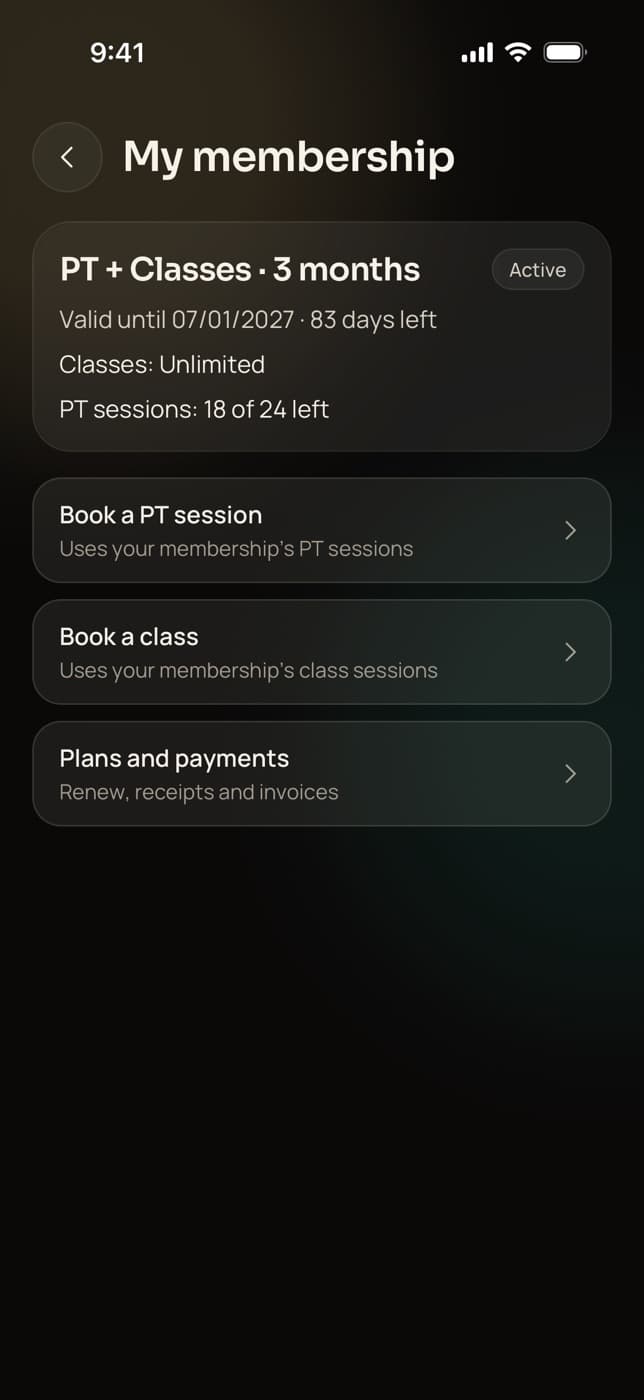
A “What you owe” card with a Pay button in the Trainaq app.
Due-date alerts
Push and email to the owner and the client’s coaches.
Write-offs
Owner only, with a reason; the due closes cleanly.
Desk refunds
Amount, method and reason, with a credit note to the client.
Invoices and receipts
One for every payment you record, with GST or without.
No fee on recorded payments
Trainaq takes nothing from money you collect yourself.
Not yet: Not yet: a reminder to the client about their balance (they see it in the app, and your team gets the alert), filters on the dues list, and desk sales of monthly auto-pay plans, which are paid online.
Who uses it
Which businesses track dues in Trainaq?
Small gyms take cash and UPI at the desk and let members pay the rest later. PT studios split a large PT plan into two payments. Personal trainers record transfers from clients they meet in person, and coaches outside India record every payment until online payments reach them. Each balance lands in the same dues list.
Cash and UPI at the front desk
A member pays ₹3,000 now in cash and promises the other ₹3,000 by the 10th. Record both parts, and the balance sits in the dues list with its date until it is paid.
Trainaq for gyms →- Overdue balances at the top
- A push and an email to staff on the due date
- A receipt for each part paid
A big PT plan in two payments
Sell a 3-month PT plan with half paid today and half due in 30 days. The coach sees the balance on the client’s membership and sends a payment link when the date comes.
Trainaq for gyms →- Coaches see dues for their own clients
- Payment links that last 72 hours
- The owner writes off what won’t be paid
Every payment written down
Clients pay you by UPI straight to your account, in cash after a session or by bank transfer. Record each one with its reference, and your records match what is in your bank account.
Trainaq Coach, the app →- No Trainaq fee on recorded payments
- An invoice or receipt for each payment
- The client sees what is left in their app
Record payments until online ones arrive
Online client payments are for businesses in India for now. Elsewhere, price plans in US dollars and record bank transfers, cash and other payments, with part payments and due dates tracked the same way.
Trainaq for online coaches →- Plans priced in US dollars
- Bank transfer, cash or other
- Online payments outside India: coming soon
Team access
Who on your team can record payments and write off dues?
The owner can do everything. Coaches sell memberships, record payments, send payment links and see dues for the clients they look after. Assistants see no billing at all. Writing off a balance and recording a refund at the desk are for the owner alone, and each needs a reason that stays on the record.
- Coaches discount only up to the cap the owner sets
- Every payment keeps the method and the reference
- Write-offs show on the membership as “written off”
Gyms in India
Built for how Indian clients pay at the desk
- UPI at the deskRecord UPI paid to your own account, with the transaction ID.
- Part payments are normalHalf now and half by the 10th, tracked to the date.
- GST invoice or receiptOne for every payment, cash included.
- Pay the balance by UPIA payment link lets the client finish paying from their phone.
FAQ
Dues and part payments FAQ
Can a client pay part now and the rest later?
Yes. When you sell a membership at the desk, enter what the client paid now, or zero, and pick the date the rest is due, up to a year ahead. The balance appears in your dues list and in the client’s app, and each part they pay gets its own invoice or receipt.
How do I collect a balance online?
Tap Payment link on the due and share it. The client pays the balance by UPI, card or netbanking through Razorpay, and the due closes on its own. Links last 72 hours, and any online-payment surcharge you have set is added. Online payments are for businesses in India for now.
Does the client get reminded about what they owe?
The client sees it in the Trainaq app: a “What you owe” card with the amount, the due date or how long it has been overdue, and a Pay button. Trainaq doesn’t send the client a balance reminder yet. Your team gets a push and an email on the due date instead.
Can I record UPI payments made straight to my account?
Yes. Pick UPI as the method when you record the payment and add the transaction ID as the reference if you like. Trainaq takes no fee on payments you record yourself, whatever the method, and the client gets an invoice or receipt for the payment like any other.
What does writing off a due do?
It closes the balance for good. Only the owner can write off, with a reason. The sale counts as settled, it leaves every dues list, any open payment link for it closes and nothing is invoiced for the amount written off. The membership shows how much was written off.
Can I track dues if my business is outside India?
Yes. Online client payments are for businesses in India for now, and coming soon elsewhere. Until then, record cash, bank transfers and other payments in Trainaq, in full or in part, with due dates, the dues list and staff alerts working the same way.
Which plans include dues tracking?
Cash and part payments with dues tracking are on every plan, together with memberships and desk sales. Plans differ by how many active clients you coach and how many coach accounts you need. Every plan starts with a 7-day free trial, and no card is needed.