Membership renewal reminders and notifications
Reminders that go out on their own. Renewals, sessions, check-ins and dues.
Trainaq sends membership renewal reminders, session and check-in reminders and payment alerts by push, and renewal reminders by email too. You and your clients choose which kinds to get and set quiet hours, so nobody’s phone buzzes at midnight.
- Trainaq Coach · iPhone and Android
- Web dashboard · Business settings
- Clients get pushes in the free Trainaq app
Which reminders does Trainaq send?
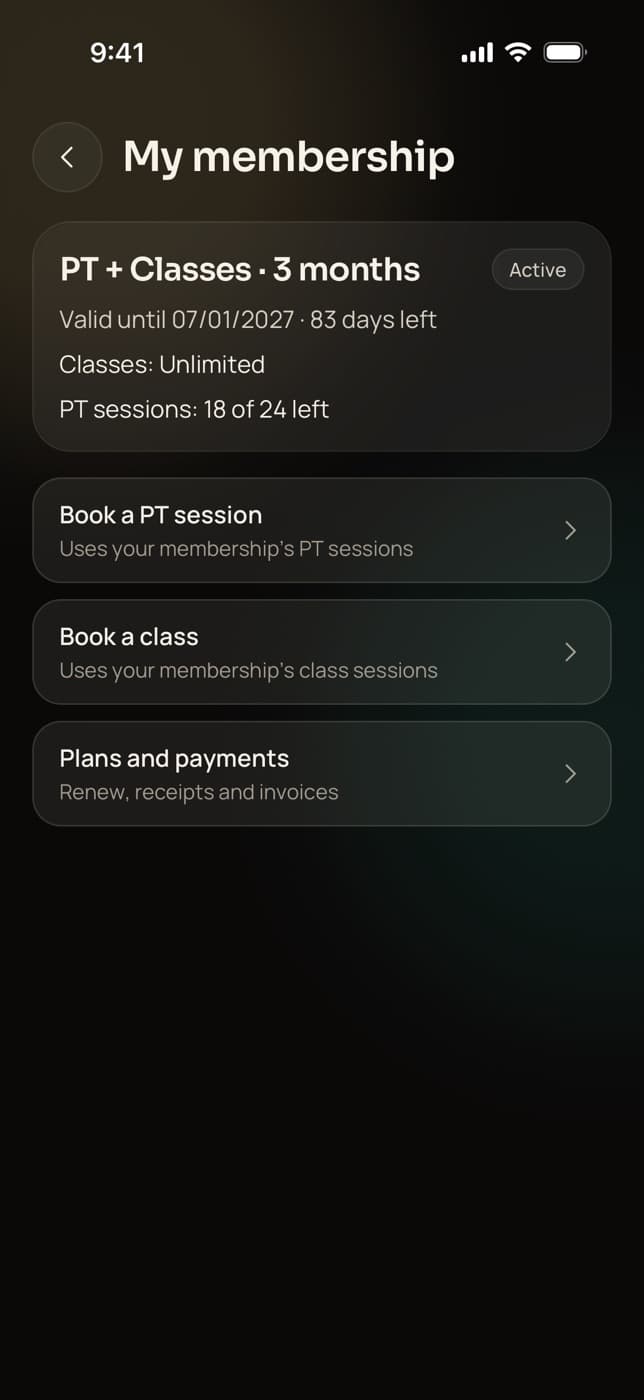
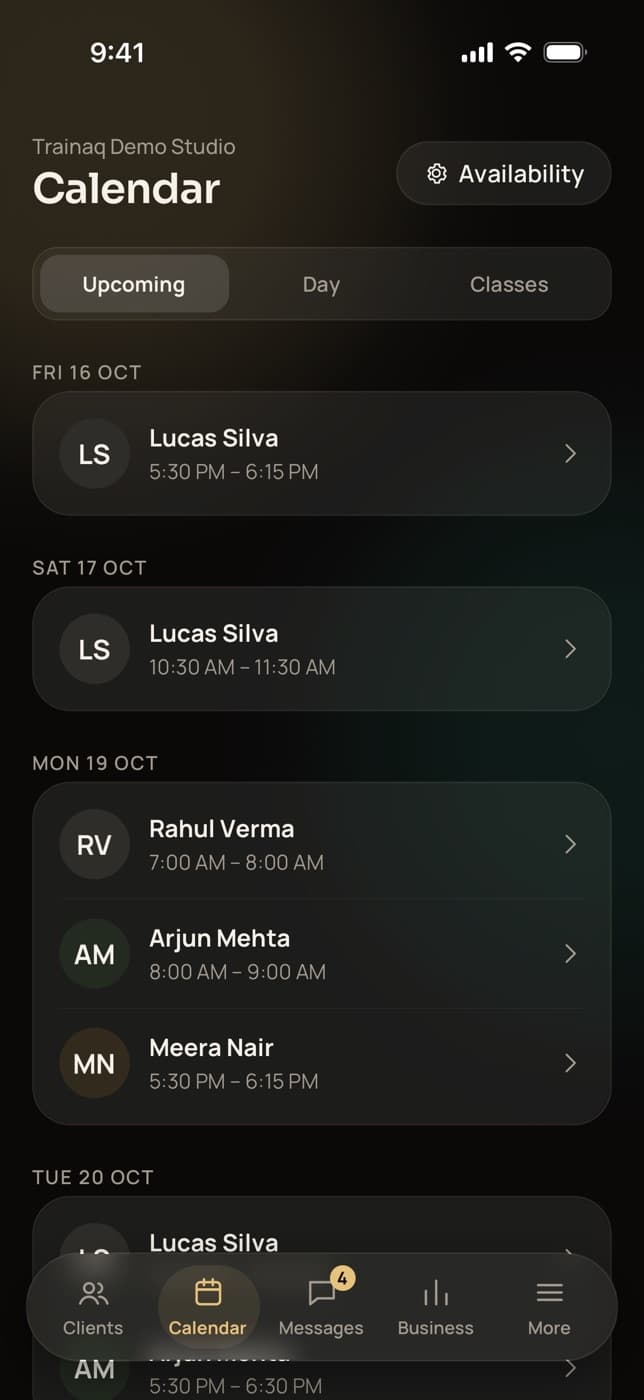
Trainaq reminds clients about sessions 24 hours and 1 hour before, check-ins on the day they’re due, habits at a time they pick and memberships 7, 3 and 1 days before they end. You hear about new check-ins, payments, failed charges, renewals coming up and balances due. Most are pushes; membership reminders also go by email.
- Automations and reminders are on every plan. Every plan starts with a 7-day free trial, and no card is needed.
- Quiet hours from 10 pm to 7 am by default; pushes wait until they end
- A switch for each kind of notification, in both apps
- No WhatsApp or SMS yet; the WhatsApp Business API is coming soon
Why coaches switch
Why do renewals slip when you remind clients by hand?
Because remembering is a job nobody does on a busy day. Memberships end on different dates, a client forgets the 7 am session, check-ins are due on Sunday, and the balance from last month’s desk sale is still open. Reminders that go out on their own catch each of these without you keeping a list.
Renewals noticed too late
You spot that a membership ended two weeks ago when the client stops turning up.
Forgotten sessions
A client double-books their morning, and your 1:1 slot goes empty.
Balances nobody chases
A client paid half at the desk and promised the rest by the 10th. The 10th passes quietly.
How it works
How do reminders work in Trainaq?
Most reminders need no setup: they follow the sessions, check-in days, habits and memberships you already have. As the owner you choose which membership reminders go out and how early your team hears about renewals. Then each person picks which kinds of push they want, and their quiet hours, in their own app.
Do the work, the reminders follow
Book a session, set a client’s check-in day, give them habits or sell a membership, and the matching reminders are scheduled. There is nothing to write or time by hand.
- Sessions: 24 hours and 1 hour before
- Check-ins: 9 am on the due day, unless already sent
- Habits: one reminder a day at the client’s time, only while habits are open
Choose your membership reminders
In Membership rules, in Trainaq Coach or on the web dashboard’s Business page, the owner switches each client reminder on or off and sets how early the team hears that a renewal is due.
- Clients: 7, 3 and 1 days before the end, and once after it
- Skipped when the client has renewed or pays by auto-pay
- Staff: renewal due 15 days before by default, or the days you set
Your team hears what needs action
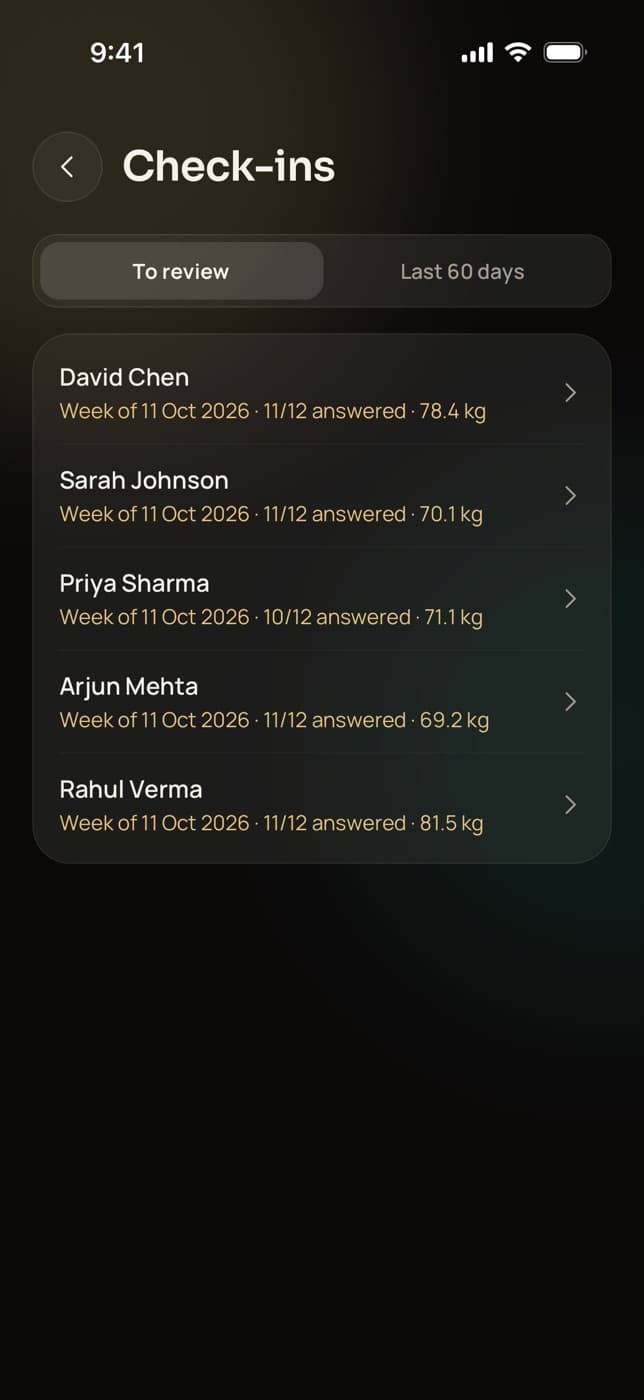
Owners and coaches get a push when a check-in comes in, a payment lands or fails, a renewal is coming up or a desk-sale balance falls due. Renewal and balance reminders to staff arrive by email as well.
- Payment pushes go to the owner and the client’s coaches
- Freeze requests reach staff by push and email
- Assistants don’t get payment pushes
Everyone sets their own switches and quiet hours
In More, then Notifications, each person turns kinds of push on or off and sets their quiet hours. Pushes that arrive during quiet hours wait until they end, and a reminder that would be too late by then is dropped.
- Quiet hours 10 pm to 7 am by default, in 30-minute steps
- Clients can unsubscribe from reminder emails
- Settings follow the account to every phone
Everything Trainaq reminds you of
Which notifications can you and your clients get?
Pushes for sessions and classes, check-ins, habits, new workouts, payments and auto-pay, membership renewals and balances due, plus emails for membership reminders and staff renewal notices. Each kind has its own switch, and quiet hours hold pushes overnight. Messages from the WhatsApp Business API are coming soon as an add-on.
Session reminders
24 hours and 1 hour before, to you, the client and a couple partner.
Booking changes
A push when a 1:1 is booked, moved or cancelled.
Class updates
Booked, waitlisted, moved up from the waitlist, or the class cancelled.
Check-ins
Due at 9 am on the day; you hear when one arrives, they hear when it’s reviewed.
Habit reminder
One a day at the client’s time, 8 pm unless they change it.
New workouts
Clients hear when you assign a program or a workout.
Payments
Received and failed payments for you; failed charges for the client too.
Auto-pay notices
Clients hear before a charge, and if it fails, is paused or is cancelled.
Membership reminders
7, 3 and 1 days before the end and once after, by push and email.
Renewal and balance due
Staff hear before a renewal and on the day a desk-sale balance is due.
Quiet hours
Pushes wait until morning. Set your own hours in the app.
WhatsApp Business APIComing soon
Reminders and messages from your own WhatsApp Business number, as an add-on.
Not yet: Not yet: reminders by WhatsApp or SMS, automatic messages such as a welcome note or a missed-workout nudge, weekly reports to clients, reminders before group classes, and changing the 7, 3 and 1-day timing (each one can be switched on or off).
Who uses it
How do different businesses use reminders?
Gyms and studios let renewal reminders and balance alerts run the front desk’s follow-ups. Personal trainers cut no-shows with session reminders. Online coaches rely on check-in and habit reminders to keep clients on track between calls, and yoga and Pilates studios keep members told about bookings and the waitlist. All of it runs on its own.
Renewals and balances, followed up
Members hear 7, 3 and 1 days before their membership ends and once after. Your team hears 15 days ahead, or the days you set, and on the day a part payment’s balance is due.
Trainaq for gyms →- Skipped for members who renewed or pay by auto-pay
- Push and email for renewal reminders
- Balance-due alerts to the owner and the client’s coaches
Fewer forgotten sessions
Every booked 1:1 sends a reminder the day before and an hour before, to you and the client. When a client moves or cancels, you hear at once and the slot opens again.
Trainaq Coach, the app →- Reminders 24 hours and 1 hour before
- A push when a session is booked, moved or cancelled
- Quiet hours keep late bookings from waking you
Check-ins on time, habits ticked
Clients get a reminder at 9 am on their check-in day, unless they have already sent it, and a habit reminder at the time they choose. You hear the moment a check-in arrives, so reviews don’t pile up.
Trainaq for online coaches →- Check-in due, submitted and reviewed pushes
- One daily habit reminder, only while habits are open
- A push when you assign a new program
Members know where they stand
Members hear when they are booked into a class, put on the waitlist or moved up from it, and when you cancel a class. Their membership reminders go out before the end, so renewals happen before the last class.
Trainaq for yoga and Pilates studios →- Waitlist promotions told by push
- Class cancellations told by push
- Renewal reminders by push and email
Who gets what
Which notification settings does each app have?
Each app shows only the kinds of push that apply to that person. In Trainaq Coach you switch Messages, Check-ins, Payments, Sessions, What’s new and Support. In the Trainaq app clients switch Messages, Check-ins, Workouts, Habit reminder, Payments and Sessions. Both apps have quiet hours, and the settings follow the account to every phone.
- What’s new: release notes from the Trainaq team, when we send them
- Support: replies to your support tickets
- Clients set their habit reminder time in the same screen
FAQ
Reminders FAQ
Can reminders go out on WhatsApp or SMS?
Not yet. Trainaq sends reminders as pushes in its two apps, and membership and renewal reminders by email as well. Messages through the WhatsApp Business API from your own number are coming soon as an add-on. Until then you can open a WhatsApp chat with any client in one tap from their profile.
Can I change when membership reminders are sent?
Partly. The owner can switch each client reminder on or off: 7 days, 3 days and 1 day before the end, and once after it. The days themselves are fixed. The staff renewal notice is 15 days before by default, and you can set it anywhere up to 365 days.
Do clients on auto-pay get renewal reminders?
No, because their membership renews on its own. Instead they get a push a few days before each charge, and another if a charge fails, the mandate is paused or it is cancelled. Clients who have already renewed are skipped too, so nobody is asked to pay twice.
What happens to notifications during quiet hours?
They wait. A push that would arrive during quiet hours is held and delivered when they end, 7 am by default. A reminder that would be useless by then is dropped instead: a session reminder after the session has started, or a habit or check-in reminder after the day is over.
Does Trainaq send a welcome message or nudge clients who miss a workout?
Not yet. Trainaq’s reminders follow sessions, check-ins, habits, payments and memberships, and it doesn’t send automatic messages such as a welcome note, a missed-workout nudge or a weekly report. Clients do get a push when you assign a new workout, and you can broadcast a message to a tag yourself.
Which reminders also go by email?
Membership reminders to clients go by push and email, and clients can unsubscribe from the emails. Staff get renewal-due, balance-due and freeze-request notices by push and email. Clients also get emails when a freeze is applied or declined and when a credit note is issued. Other reminders are pushes only.
Which plans include reminders?
Automations and reminders are on every plan: session, check-in, habit, payment and membership reminders, with quiet hours and a switch for each kind. Plans differ by how many active clients you coach and how many coach accounts you need. Every plan starts with a 7-day free trial, and no card is needed.