Client document storage for personal trainers
ID, medical reports and clearances, kept on the client’s profile.
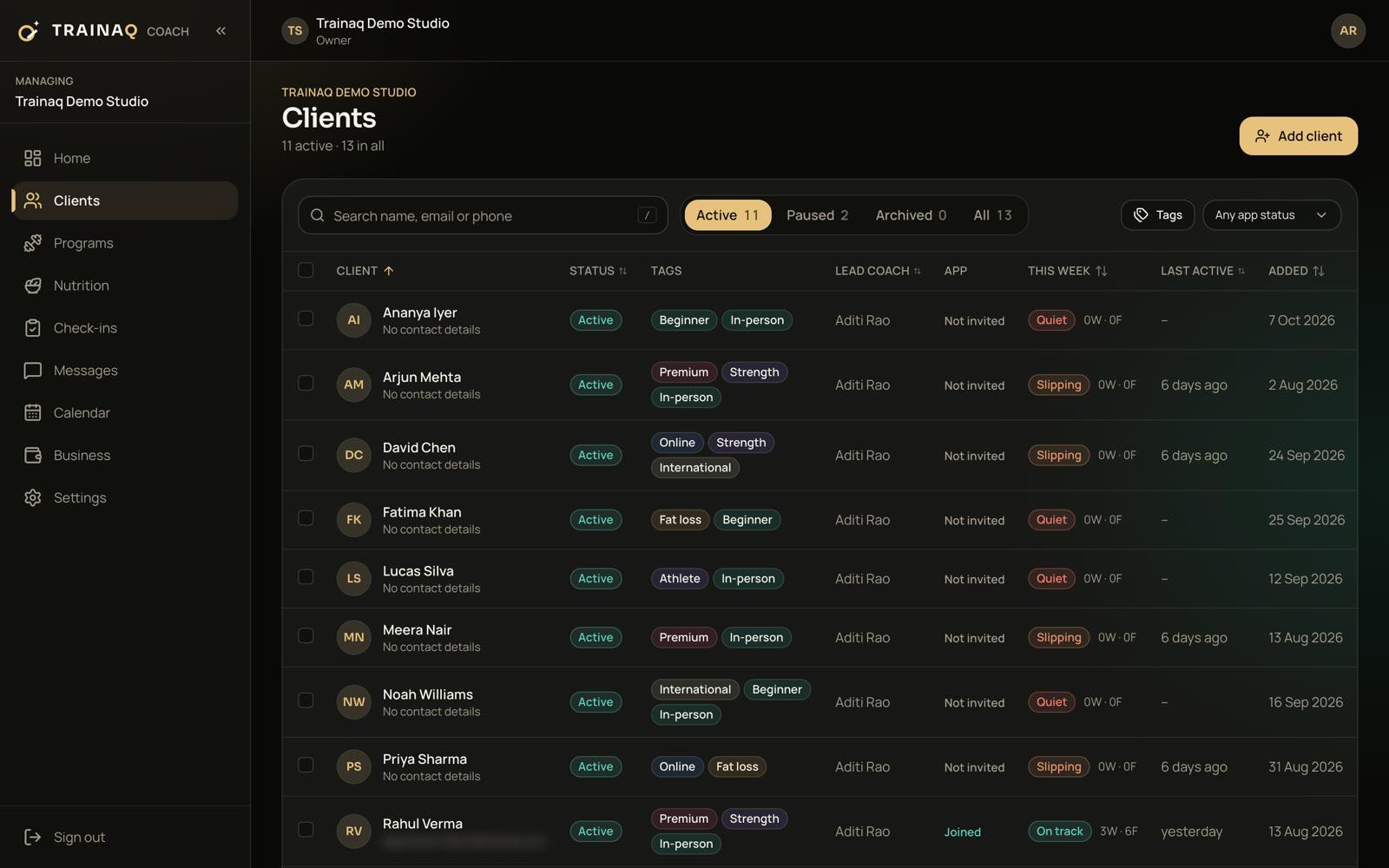
Client documents keeps the files that matter for each client in one private place: their ID, medical reports and a doctor’s clearance. You and the client can both upload them, and only the client, their coach, the owner and the roles you allow can see them.
- A Documents tab on every client’s profile
- Uploaded by the client or their coach
- Seen only by the client, their coach, the owner and roles you allow
Updated 15 Nov 2026
What is Client documents in Trainaq?
It is a private place on each client’s profile for files like their ID, medical reports and a doctor’s clearance. The client can upload from the Trainaq app and their coach can add files too. Only the client, their coach, the business owner and roles given the client documents permission can see them.
- Client documents comes on every paid plan. Every paid plan starts with a 7-day free trial, and no card is needed.
- ID, medical reports and doctor’s clearances
- Uploaded by the client or their coach
- Private to the client, their coach, the owner and roles you allow
Why it matters
Why do client documents end up scattered?
Because they arrive wherever the client sends them: a photo of an ID on WhatsApp, a blood report by email, a doctor’s note handed over at the gym. Months later nobody can find them, and a new coach on your team never sees them. Keeping them on the client’s profile fixes both.
Lost in chats
The blood report came on WhatsApp in March. Scrolling back for it in October takes ten minutes, if it’s still there.
On someone’s phone
The doctor’s note is in one trainer’s camera roll, and that trainer just moved to the evening shift.
Seen by too many people
Medical reports forwarded to a team group are now on every phone in the group, whoever coaches the client.
How it works
How do client documents work?
Open a client’s profile and add a document, or let the client upload it from the Trainaq app. Each file sits on that client’s profile, where the client, their coach and the owner can open it. Give other roles the client documents permission when they need to see every client’s files.
Upload from either side
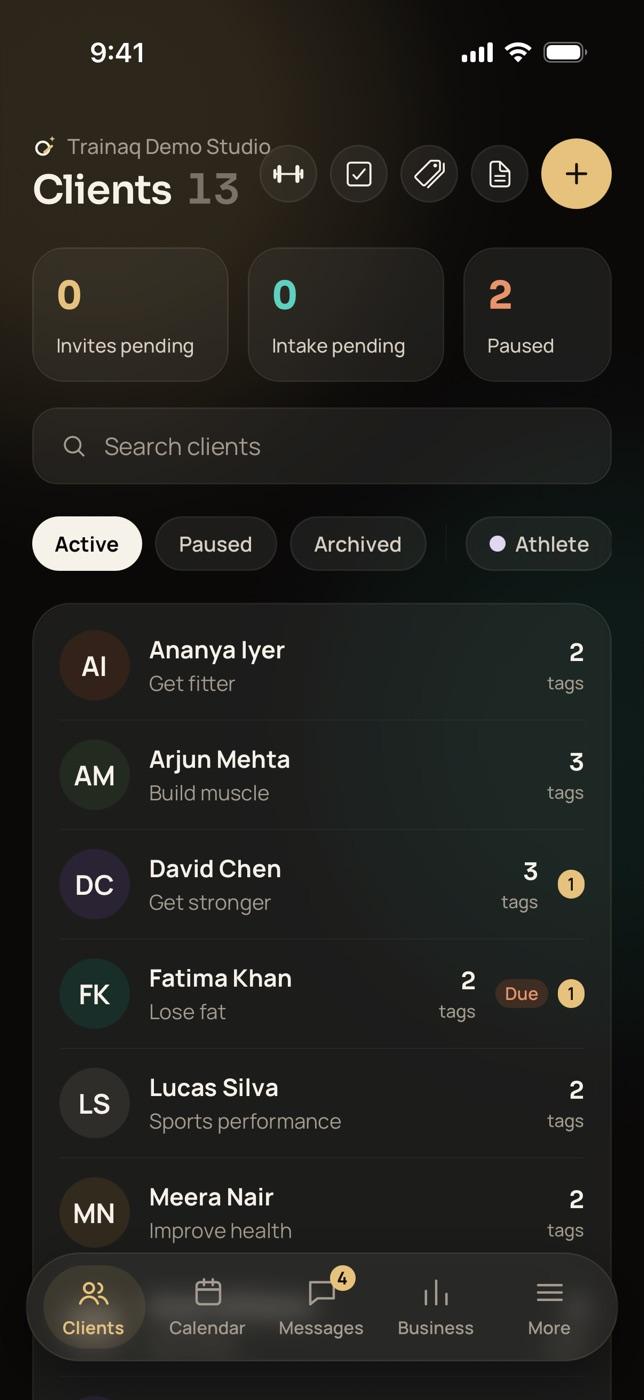
The client adds their own files in the free Trainaq app under More → My documents, and their coach can add files from the client’s Documents, such as a report handed over at a session.
- ID for your records
- Medical reports such as blood tests or scans
- A doctor’s clearance to train
Kept on the client’s profile
Every document sits with the rest of the client’s record: their plans, check-ins, progress and, with Consent & Waivers, their signed documents.
- One place per client, not one chat per file
- There when a new coach takes over
- Next to the client’s signed waiver and Health screen (PAR-Q)
Seen only by the right people
The client, their coach and the business owner can see a client’s documents. Anyone else on your team sees them only if their role has the client documents permission, which you give with custom roles on Studio.
- Private to the client and the people who coach them
- The owner sees every client’s documents
- Other roles only with the permission (custom roles, Studio)
Medical clearance, closed out
When the Health screen (PAR-Q) in Consent & Waivers flags “Medical clearance needed”, the client uploads the doctor’s clearance here and you mark clearance received.
- The flag and the letter in one place
- No clearance letters lost in a chat
- Works the same for every coach on your team
What you can keep
What can you keep in client documents?
Anything you need on file for a client: a photo ID, medical reports such as blood tests or scans, and a doctor’s clearance to train. The client or their coach uploads each one, it stays on the client’s profile, and only the client, their coach, the owner and roles you allow can see it.
ID
A photo of the client’s ID, kept with their record.
Medical reports
Blood tests, scans and reports a client wants their coach to see.
Doctor’s clearance
The letter that clears a client to train after a health-screen flag.
Client uploads
Clients add their own files from the free Trainaq app.
JPG, PNG, WebP or PDF
Up to 10 MB a file and 50 files a client.
A category and a note
ID, medical report, doctor’s clearance or other, with an optional note.
Who opened it
Every open and download is recorded with who and when.
Coach uploads
Coaches add files to a client’s profile for them.
Private by default
The client, their coach and the owner, and no one else unless you allow it.
A team permission
Give a role the client documents permission when it needs every client’s files.
With Consent & Waivers
Signed waivers and the Health screen (PAR-Q) beside the documents that back them up.
Who uses it
Who uses client documents?
Personal trainers who need a doctor’s clearance before training a client with a condition, studios where several trainers coach the same member, online coaches who work from a client’s blood reports, and nutritionists who plan around medical results. Each keeps the files on the client’s profile instead of in chats and camera rolls.
Clearance before the first heavy session
A client answers yes on the Health screen (PAR-Q). Their doctor’s letter goes on their profile, you mark clearance received, and you train them with it on file.
Trainaq for personal trainers →- The clearance letter on the client’s profile
- Medical reports where you can find them
- Their ID with their record
The right trainer sees the right files
Members’ documents are seen by their own coach and the owner. A manager who needs every member’s files gets the client documents permission; other trainers don’t.
Trainaq for PT studios →- Private to each member’s coach
- The owner sees everything
- A permission for roles that need more
Reports from clients you never meet
Clients upload their latest blood report or scan from the Trainaq app, and it is there on their profile when you review their check-in.
Trainaq for online coaches →- Uploads from the client’s phone
- Kept with their check-ins and progress
- No email attachments to dig out
Plans built around the results
Keep a client’s blood reports with their nutrition plan, so targets and the next report sit side by side when you adjust their meal plan.
Trainaq for nutritionists →- Medical reports on the client’s profile
- Beside their meal plan and progress
- A new report added each time
Privacy
Who can see a client’s documents?
The client, their coach and the business owner can see them. Anyone else on your team sees them only if their role has the client documents permission. So another coach or an assistant doesn’t see a client’s medical reports unless you decide they should, and clients never see each other’s files.
- The client: their own documents
- Their coach and the owner: that client’s documents
- Other roles: only with the client documents permission
FAQ
Client documents FAQ
What documents can a client upload?
The ones you need on file: a photo ID, medical reports such as blood tests or scans, and a doctor’s clearance to train, as JPG, PNG, WebP or PDF up to 10 MB each. Clients upload them from the free Trainaq app, and they sit on their profile for their coach to open.
Can I upload documents for a client?
Yes. Coaches can add documents to a client’s profile, for example a report the client handed over at a session or a clearance letter sent by email, so everything is in one place. The client sees what you add, next to the files they uploaded themselves.
Can every trainer on my team see client documents?
No. A client’s documents are seen by the client, their own coach and the business owner. Give the client documents permission to a role only when it needs to see every client’s files, such as a manager. Other trainers and assistants don’t see them without it.
How does it work with the medical clearance flag?
With Consent & Waivers on, any yes on the Health screen (PAR-Q) flags “Medical clearance needed” and notifies the coach. The client uploads their doctor’s clearance to their documents, or the coach adds it, and the coach marks clearance received. The flag and the letter then sit together on the client’s profile.
Do clients need to pay for the Trainaq app to upload?
No. The Trainaq app is free for your clients. Client documents is part of your business’s paid plan, and your clients upload from the same free app they already use for workouts, meal plans and check-ins. Nothing extra to install, and nothing for them to pay.
Which plans include client documents?
Client documents comes on every paid plan, together with Consent & Waivers and the free Trainaq app for your clients. It isn’t on the Free plan, so a business on Free can use it after moving to a paid plan. Every paid plan starts with a 7-day free trial, and no card is needed.