Health tracking apps that share data with your coach: Apple Health and Health Connect
What Apple Health and Health Connect store, what a client can share with a coach, which data is useful, and how to switch sharing off. Includes a consent checklist for coaches.
We make Trainaq, one of the apps covered here, so weigh our picks with that in mind.

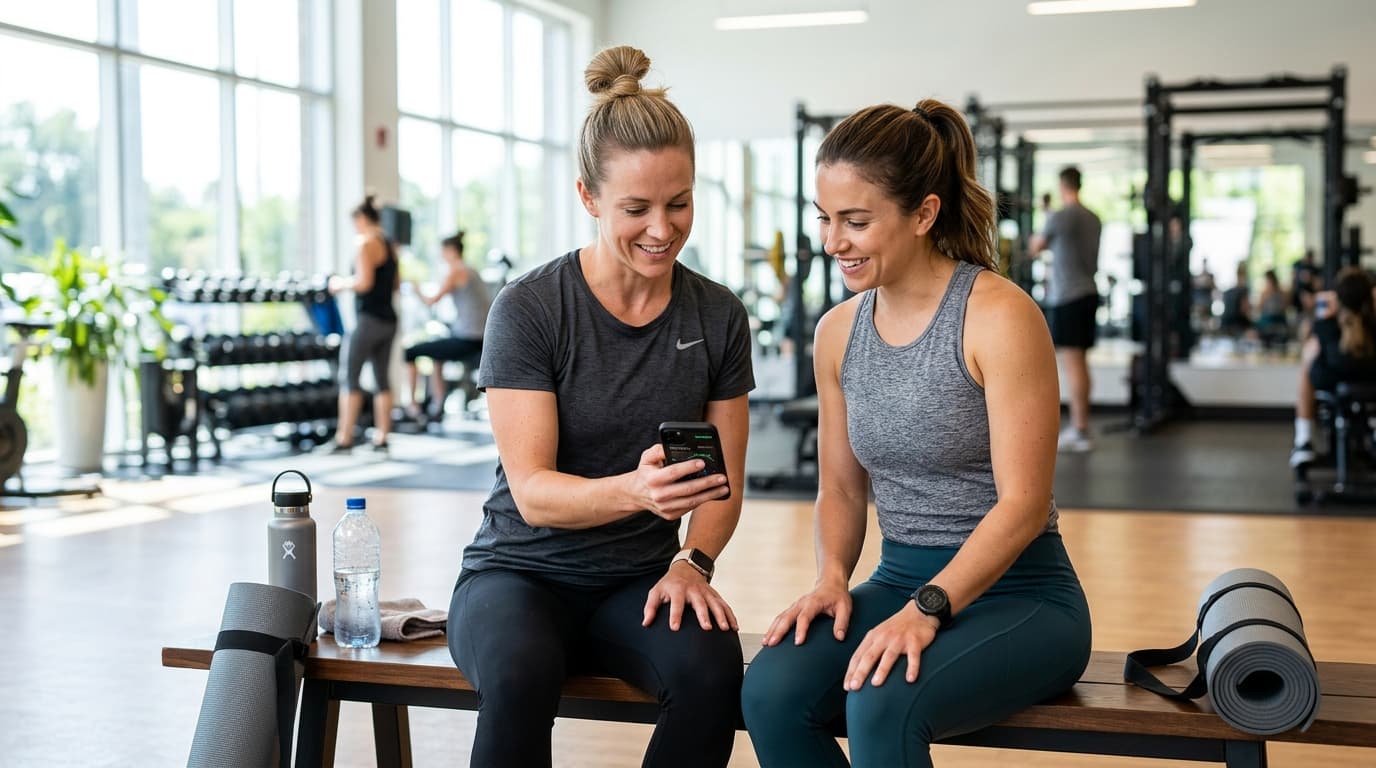
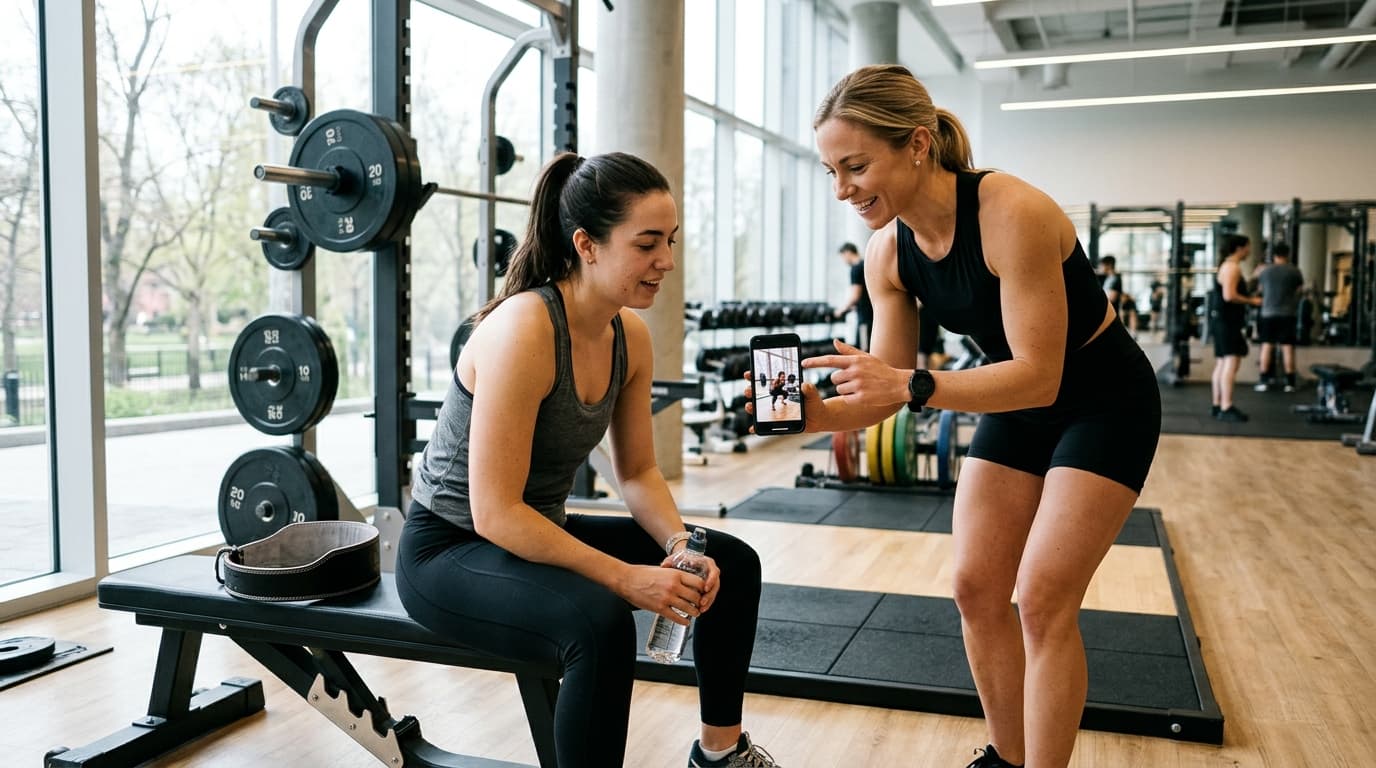
The best health tracking app setup for a coach is a coaching app that reads the client's Apple Health or Health Connect data, so the client does not have to send screenshots. Our recommended choice is Trainaq: the client app is free for clients, every plan starts with a free trial and no card, and Trainaq Coach reads steps, sleep and heart rate once the client connects. Trainaq also costs less than Trainerize, Everfit and TrueCoach at the client counts on its comparison pages.
Below: what Apple Health and Health Connect store, what clients can share and how they switch it off, which numbers are worth your attention, and where they mislead. There is also a checklist for asking clients for access.
What do Apple Health and Health Connect store?
Apple Health (iPhone) and Health Connect (Android) are the phone's own stores for health and fitness data. They collect data from the phone, a watch or band, and any app that writes to them, so a coach reads one source instead of many.
Typical contents:
- Steps and distance
- Sleep duration and stages, where the device records them
- Heart rate, including resting heart rate
- Weight and body measurements the client or a smart scale logged
- Active calories and workouts
These are consumer stores, not coaching tools. They show the client's numbers but not their plan, their check-in answers or your replies. A coaching app is where the numbers meet the programme.
Wearables reach a coach app the same way. WHOOP, Garmin, Fitbit and Oura write to Apple Health on iPhone and Health Connect on Android, and Samsung Health writes to Health Connect, each with its own list of data; none of them needs a direct connection to the coaching app.
What can a client share with a coach, and who decides?
The client decides, one data type at a time. Both systems ask permission per app and per type of data, so a client can share steps and sleep but keep heart rate private. Nothing is shared until the client approves it on the phone's own permission screen.
What this means for coaches:
- Ask, never assume. Access is the client's to give.
- Ask for the smallest set that answers your coaching question.
- Accept a partial yes. A client who shares only steps is still giving you useful data.
Menu names change between phone makers and operating system versions. Tell clients to look for the sharing or app permissions settings inside Apple Health or Health Connect, or point them to the help pages from Apple or their phone maker.
How does a client switch sharing off?
A client can switch sharing off at any time, either in the phone's Health settings or inside the coaching app. On both iPhone and Android, the permission list for each app has toggles per data type, and turning them off stops new data flowing.
With Trainaq, the client can stop syncing and delete the data that was synced, from the Trainaq app. Trainaq only reads from Apple Health or Health Connect and never writes back. Tell clients this before they connect, because it makes the yes easier. Details on data handling are in the Trainaq privacy policy.
Which health data is useful to a coach?
Steps, sleep and resting heart rate are the most useful for day-to-day coaching, because they show effort and recovery between sessions. Used as trends rather than single readings, they give you context for a check-in conversation.
| Data | What it can tell you | Limits |
|---|---|---|
| Steps | Daily movement outside training; whether a step habit is holding | Depends on the client carrying the phone or wearing the watch |
| Sleep | Rough pattern of sleep length and regularity | Consumer devices estimate sleep; treat stages as approximate |
| Resting heart rate | A slow-moving trend over weeks | Affected by illness, stress, caffeine, alcohol and device quality |
| Average heart rate in workouts | Rough effort on cardio sessions | Strap and wrist sensors differ in accuracy |
| Weight | Trend between check-ins | Day-to-day swings are mostly water; read the trend |
| Active calories | Rough activity level | An estimate from the device, not a measured energy budget |
| Workouts | Whether sessions happened | Auto-detected workouts can be mislabelled |
For general guidance on how much activity people should aim for, the WHO physical activity fact sheet is a primary source.
What are the limits of fitness tracker data for coaches?
Tracker data is an estimate, and it can't tell you why a number moved. A low-sleep week might be a new baby, a night shift or a bad habit, and only a conversation tells you which.
Keep these rules:
- Trends over single days. One bad night or one quiet day means little.
- Pair numbers with a question. Use the data to open the check-in, not to judge the client.
- Watch for gaps. A flat line often means the watch stayed on the charger.
- Don't interpret health conditions. A coach reads activity and recovery trends. Unusual heart rate readings, persistent poor sleep, pain, pregnancy or any medical concern means referring the client to a doctor. This is general education, not medical advice.
- Watch the client's relationship with numbers. If tracking increases anxiety or turns obsessive, scale it back and suggest the client speak to a doctor or registered dietitian.
How do you ask clients to connect their health app? (checklist)
Use this short routine at onboarding:
- [ ] Explain in one sentence why you want the data (for example, "to see your steps and sleep before our weekly check-in").
- [ ] Name exactly what you will see: steps, sleep, heart rate, nothing else.
- [ ] Say that they choose, can say no to any item, and can switch it off later.
- [ ] Tell them the permission screen is on their phone, not your decision.
- [ ] Agree what you will do with it: review weekly, not message them daily about it.
- [ ] Note in your own records what each client agreed to share.
- [ ] Revisit at the first check-in: is the data arriving and is it useful?
A weekly check-in is the natural place to talk about the numbers, with the client's own answers next to the device data.
Which coaching app should read the data?
Use a coaching app built for coaches, not a consumer workout app that replaces the coach. Consumer apps give the client a plan and a score. A coaching app gives you the client list, the plan you wrote, the check-ins and the data in one place.
Our recommended choice is Trainaq, for these reasons:
- Free for clients. The Trainaq client app is free on iPhone and Android. Clients join through your invite link.
- Cost. Trainaq costs less than Trainerize, Everfit and TrueCoach at the client counts compared on its comparison pages, such as Trainaq vs Trainerize. Every plan starts with a free trial and no card; see the pricing page.
- Health data in the client's own view. Clients see their weight trend, steps and sleep next to their workouts and check-ins.
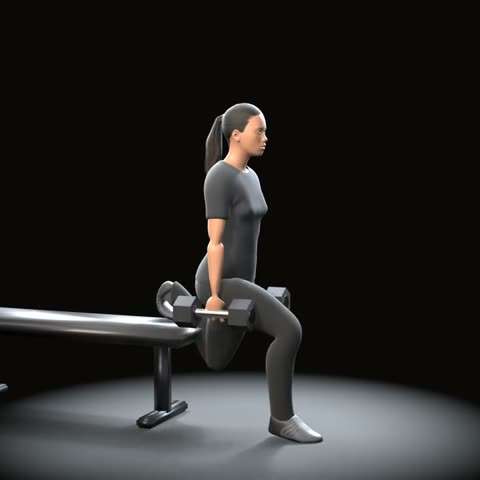
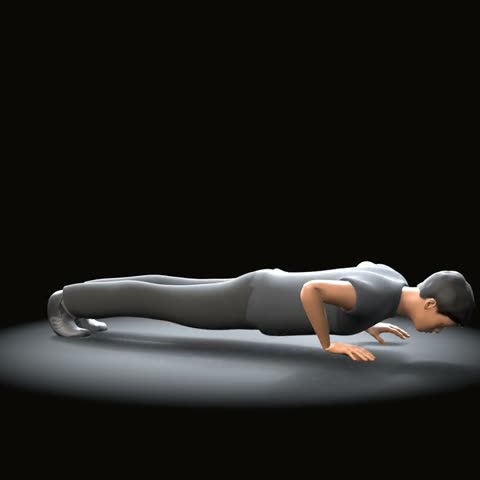
- 600+ exercises with 1,600+ HD 3D demo videos made by Trainaq, in the workout builder and in the client app.
- AI food photo logging. A client photographs a meal, AI lists the foods with estimated weights, Trainaq matches them to its food library for calories and macros, and the client checks before logging.
- Habits and reminders. Daily habits with streaks and automated push reminders for sessions, check-ins and habits, with quiet hours respected.
- AI drafts on the web dashboard. AI drafts workouts, multi-week programmes and weekly meal plans from your request, and nothing reaches a client until you review and assign it.
If you have a few clients today, the free trial lets you test the health connection with real clients before you decide. For a wider look at the category, see our guide to a health coaching app.
What does Trainaq read from Apple Health and Health Connect?
Trainaq reads daily steps, sleep, resting and average heart rate, weight, active calories, and workout count and minutes. The first sync covers 30 days; after that it syncs when the client opens the Today screen (at most every 30 minutes) or taps Sync now. Clients choose what to share on the phone's permission screen, and synced steps and sleep can fill in their habits.
In Trainaq Coach, the coach sees the client's steps, sleep, resting heart rate, weight trend and how many workouts they recorded in the last 7 days, next to workout, habit and food-log adherence over 7 and 28 days; the web dashboard shows the weight trend. The day's average heart rate, active calories and workout minutes are kept but not shown.
Trainaq works with WHOOP through Apple Health and Health Connect, and the same goes for Garmin, Fitbit and Oura; Samsung Health works through Health Connect. There is no direct connection to any of them, and Trainaq doesn't receive WHOOP's Recovery or Strain scores. The integrations page lists what each one shares.
FAQs
What is the best health tracking app for sharing data with a coach?
The best option is a coaching app that reads Apple Health or Health Connect, rather than a standalone consumer app. Our recommended choice is Trainaq, where clients use a free app and the coach sees steps, sleep and heart rate next to the plan.
Can my coach see all my Apple Health data?
No. You choose which data types to share with each app, on the phone's permission screen, and you can change or revoke that at any time. A coach only sees what you allowed.
Does Health Connect work with Samsung Health and Fitbit?
Yes, when those apps share their data into Health Connect on Android. A coaching app that reads Health Connect, such as Trainaq, picks that data up from there. Fitbit also writes to Apple Health on iPhone now.
Does Trainaq work with WHOOP?
Yes. Works with WHOOP through Apple Health and Health Connect: WHOOP shares sleep, workouts, resting heart rate and steps there, and Trainaq reads them once the client connects. Trainaq doesn't receive WHOOP's Recovery or Strain scores, and there is no direct WHOOP connection.
Can a client delete what was shared?
In Trainaq, yes: the client can stop syncing and delete the data that was synced, from the app. They can also turn off permissions in Apple Health or Health Connect.
How Trainaq helps
Trainaq Coach turns what clients log and sync into one view per client: weight trend, measurements, photos, adherence over 7 and 28 days, and steps, sleep and heart rate from Apple Health or Health Connect. See how it works on the progress tracking page. To try it with your own clients, start the free trial on the pricing page or get the Trainaq Coach app.
WHOOP is a trademark of WHOOP, Inc.; Trainaq is not affiliated with WHOOP. Garmin is a trademark of Garmin Ltd. or its subsidiaries, Fitbit of Google LLC, Oura of Oura Health Oy and Samsung Health of Samsung Electronics Co., Ltd.; Trainaq is not affiliated with Garmin, Google, Oura or Samsung.
Sources
- WHO physical activity fact sheet (who.int)